
To-do List
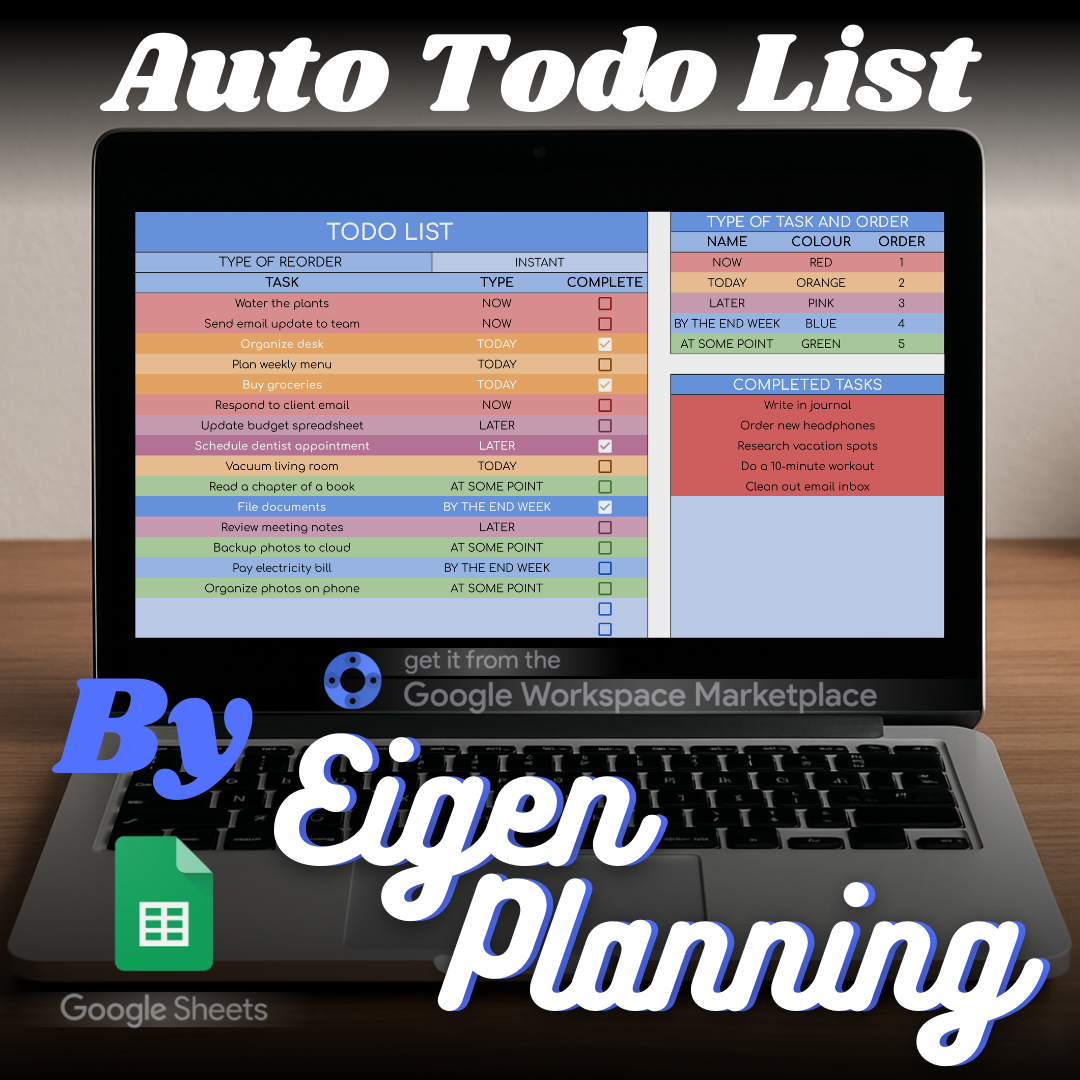
An automated Google Sheets to-do list that keeps tasks ordered, grouped, and easy to review.
What it is
A focused task tracker that organises your list automatically, so the important work stays visible.
Who it is for
For anyone who wants a simple task system that can serve personal planning or structured work.
Features
What the spreadsheet includes.
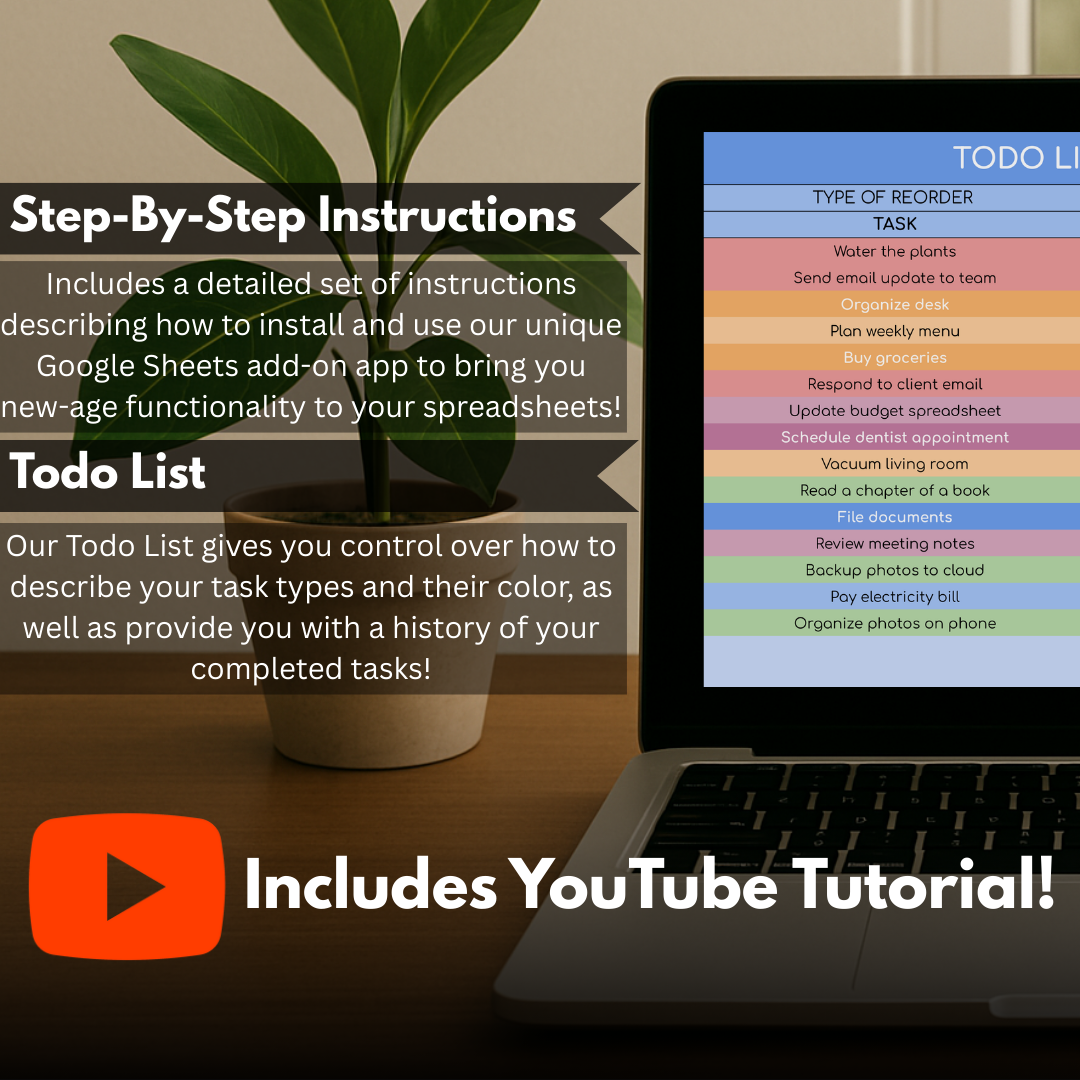
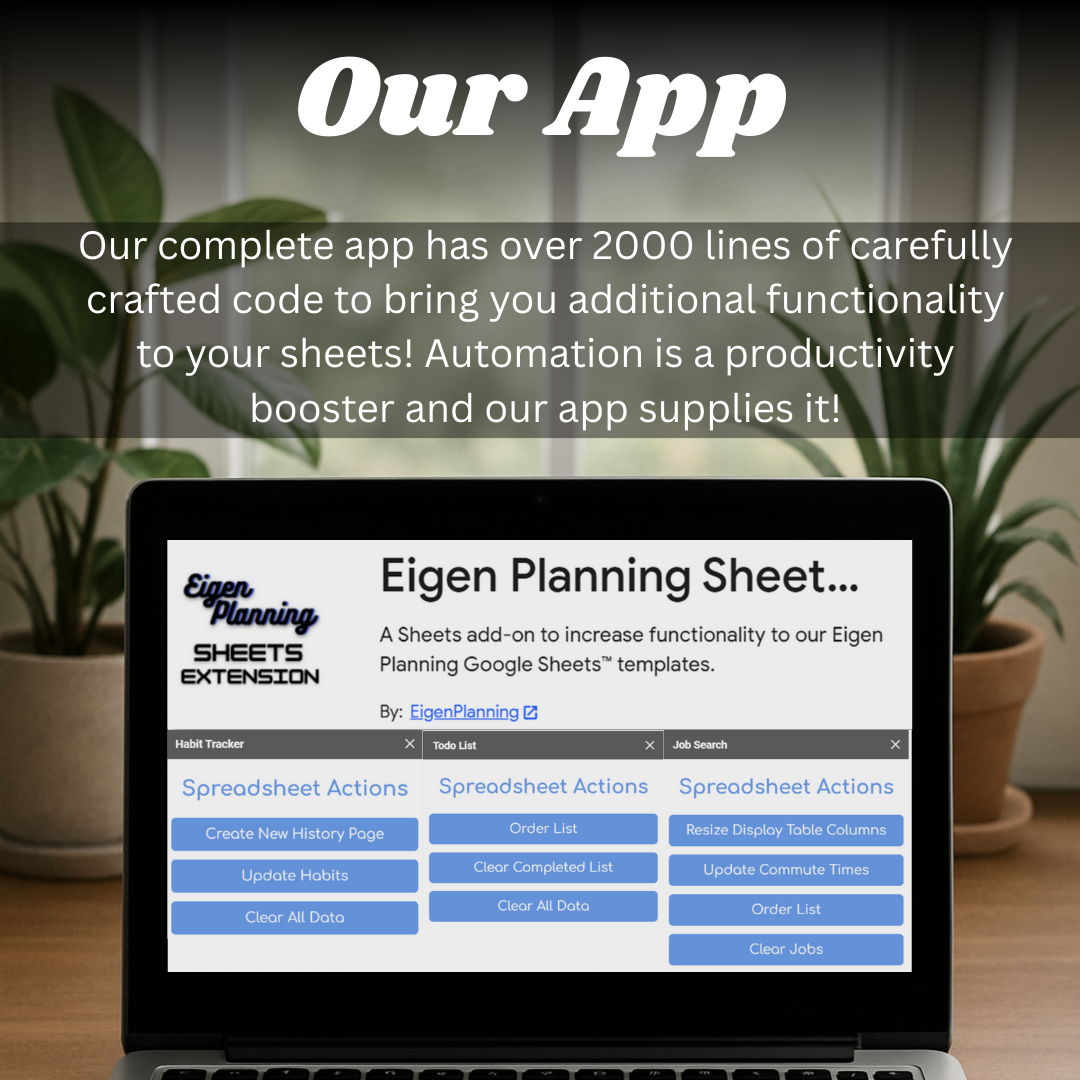
- Add tasks and let the supporting extension organise the list for you.
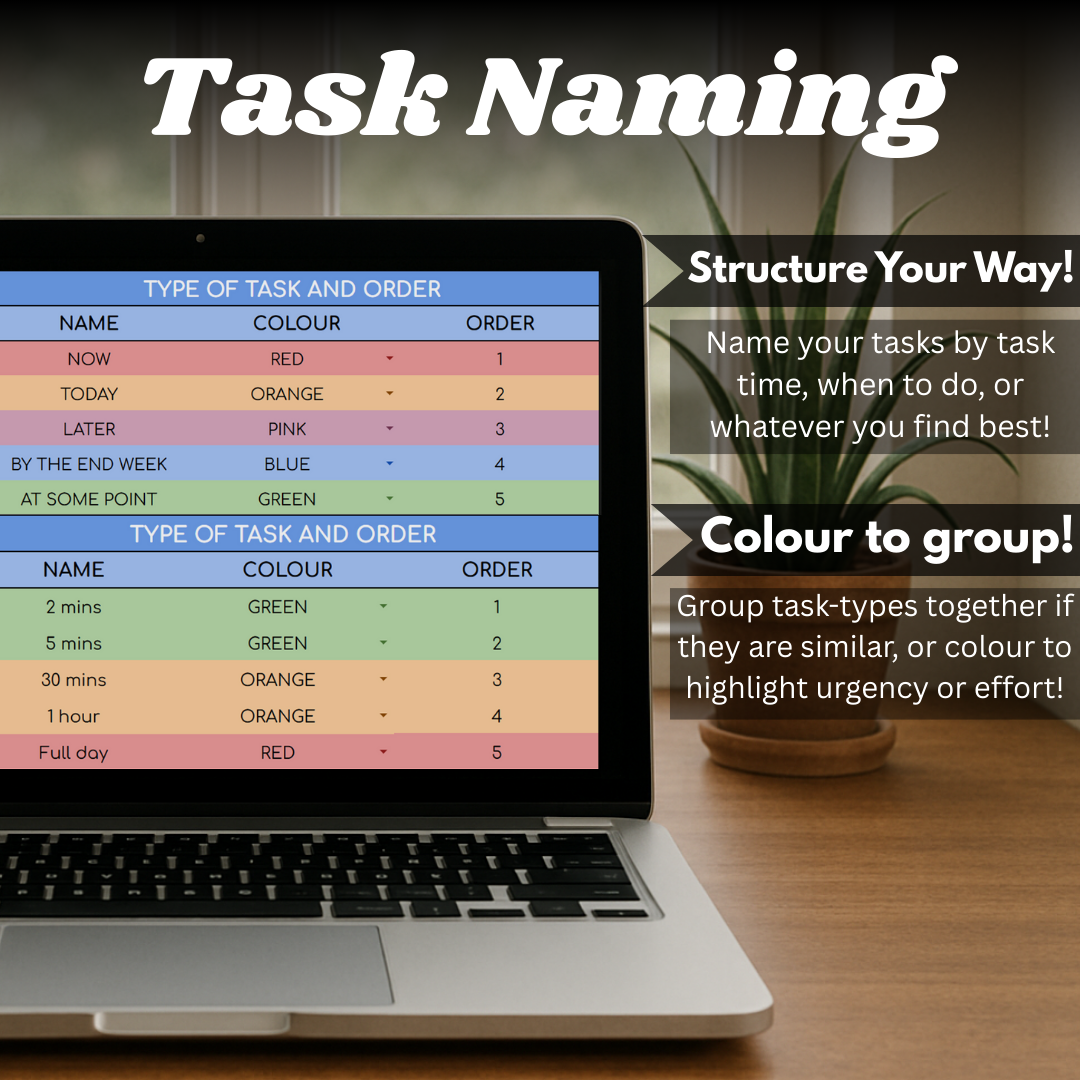
- Create categories that fit the way you plan, at home or at work.
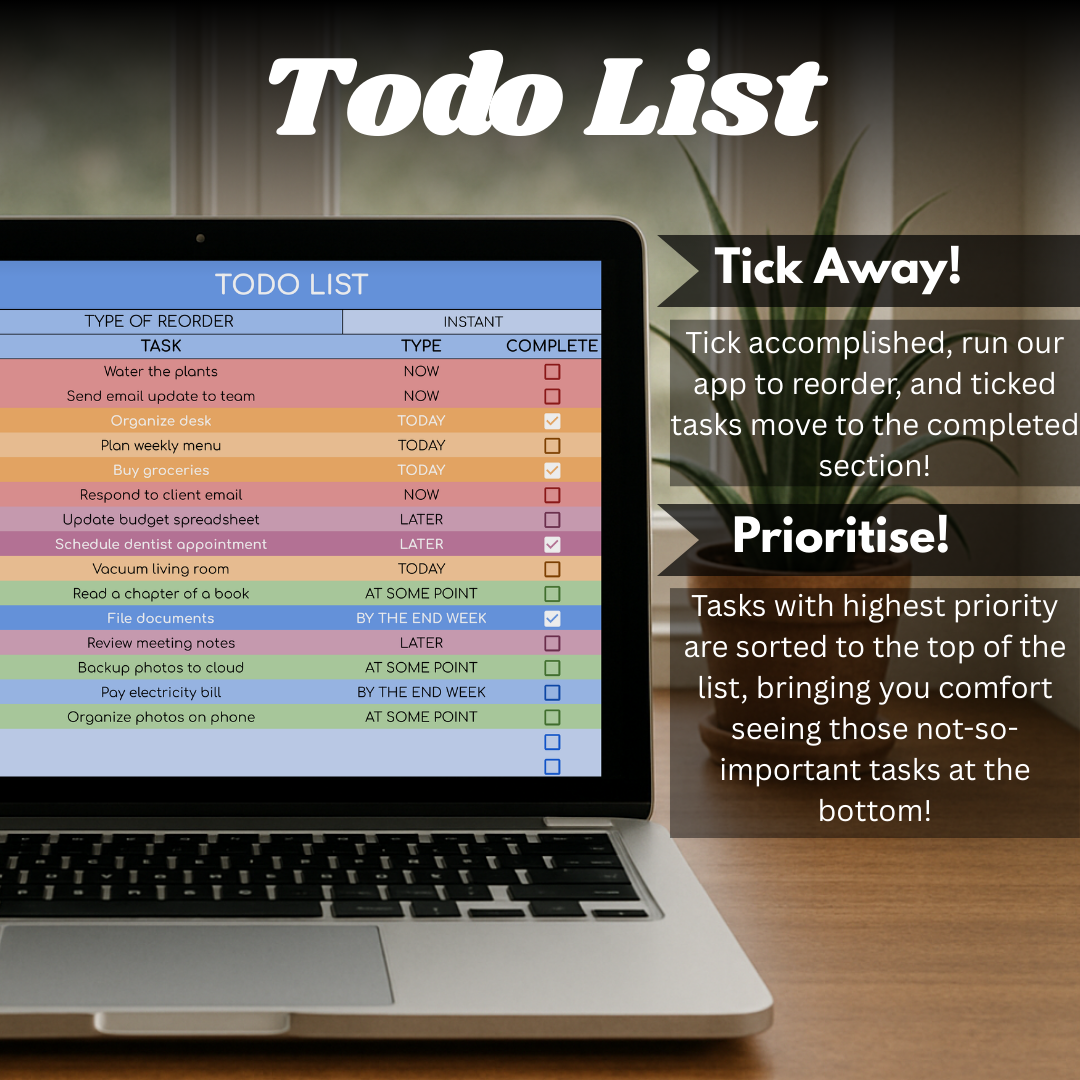
- Keep completed tasks in view as a record of what you have finished.
- Use the sidebar action to move completed tasks and reorder the remaining work.
- Start quickly with a clear layout and instructions on the first tab.
Available in
Choose the version that suits you.
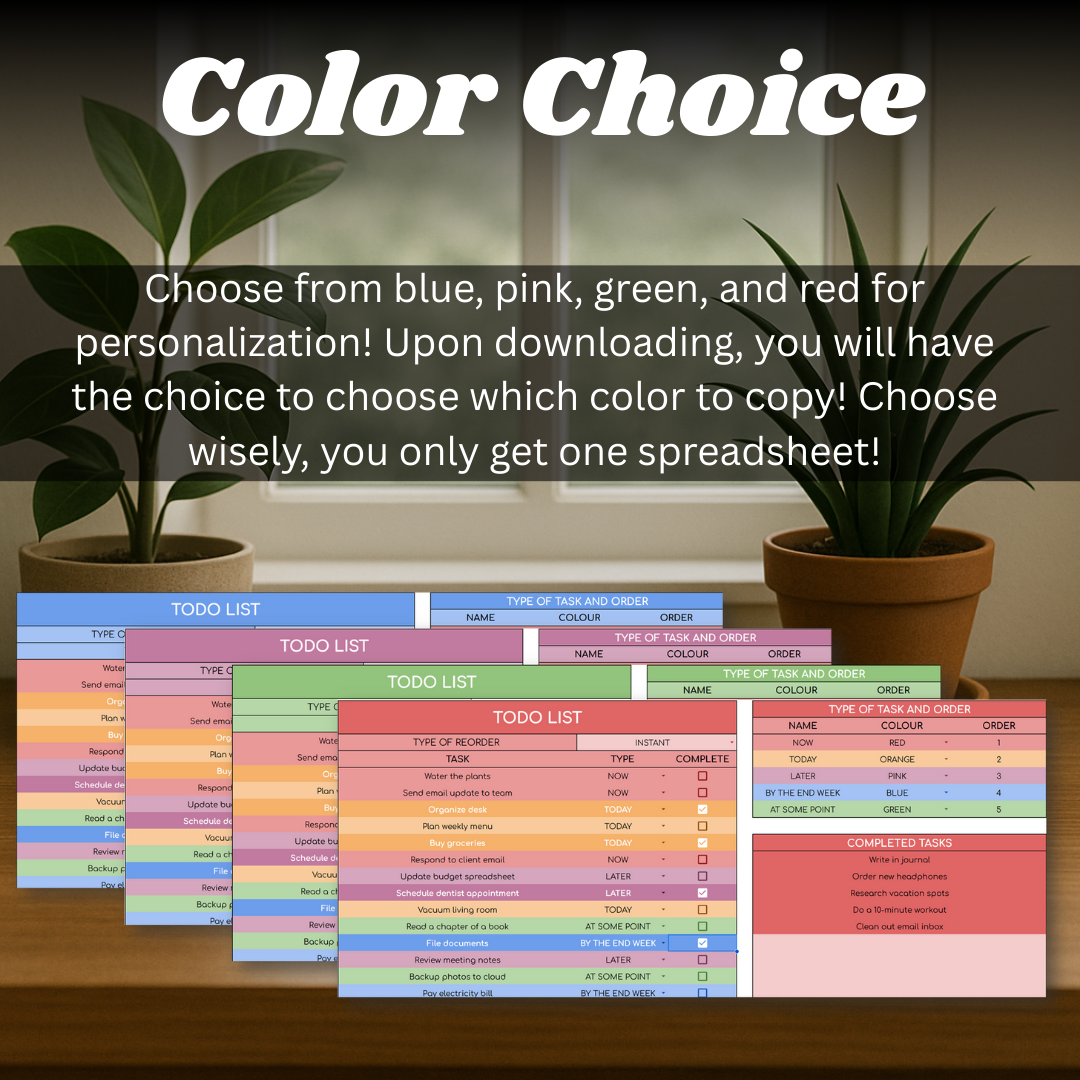
- Blue
- Pink
- Green
- Red
Getting started
Add your tasks, group them in the categories that make sense to you, and run the sidebar action when you want to clear completed work and refresh the order.
- Open the included PDF and select the colour version you want.
- Follow its link and choose “Make a copy” when Google Sheets prompts you.
- Use the first-tab guide, then add and organise your tasks.
Inside the spreadsheet
A closer look at the working pages.
The screenshots show the templates, calculations, and instructions that shape the day-to-day experience.
To-do List
Ready to make a copy?
Open the listing to choose your version and add the spreadsheet to your own Google Sheets collection.