
Job Search Tracker
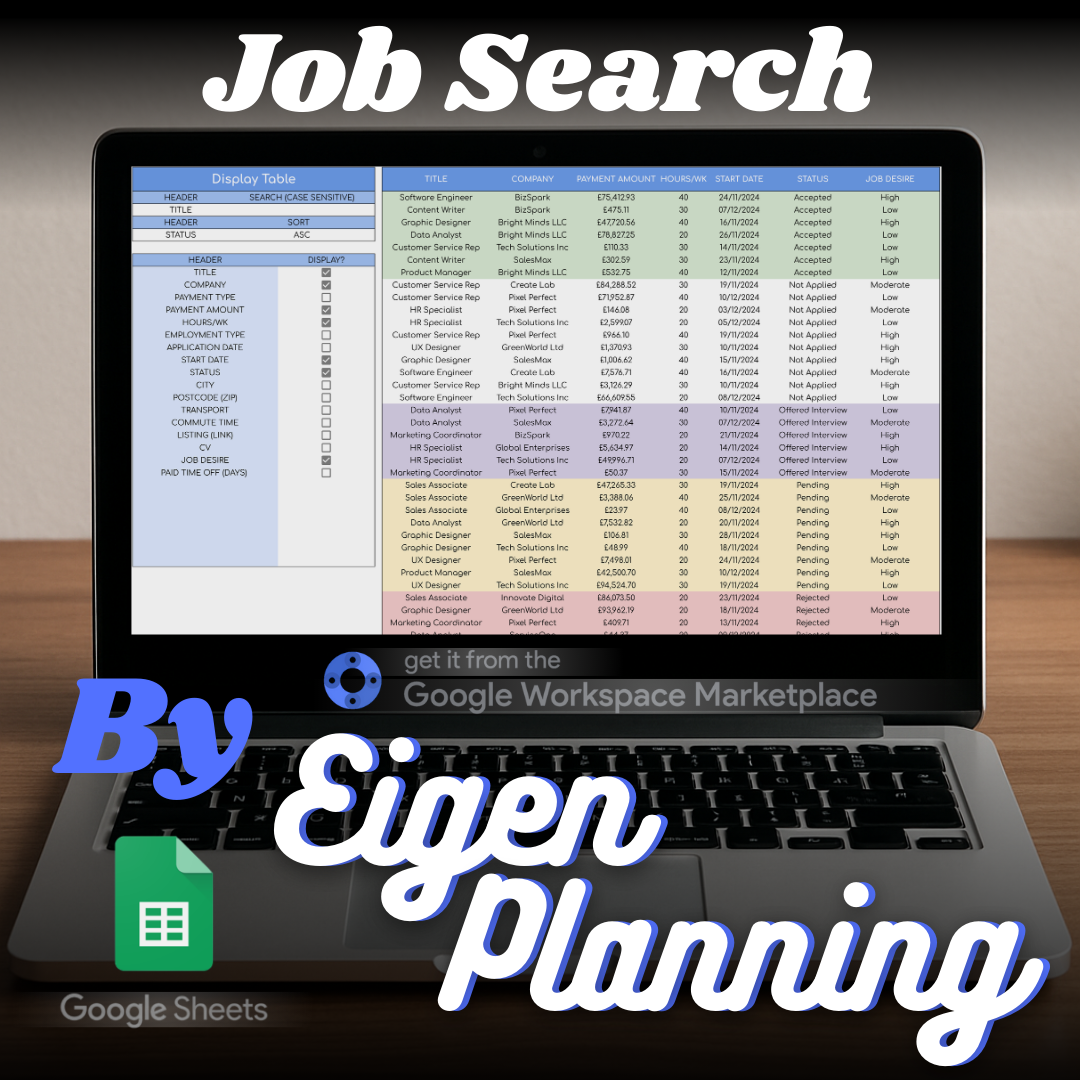
A Google Sheets job-search tracker for recording applications, following up, filtering, and planning journeys.
What it is
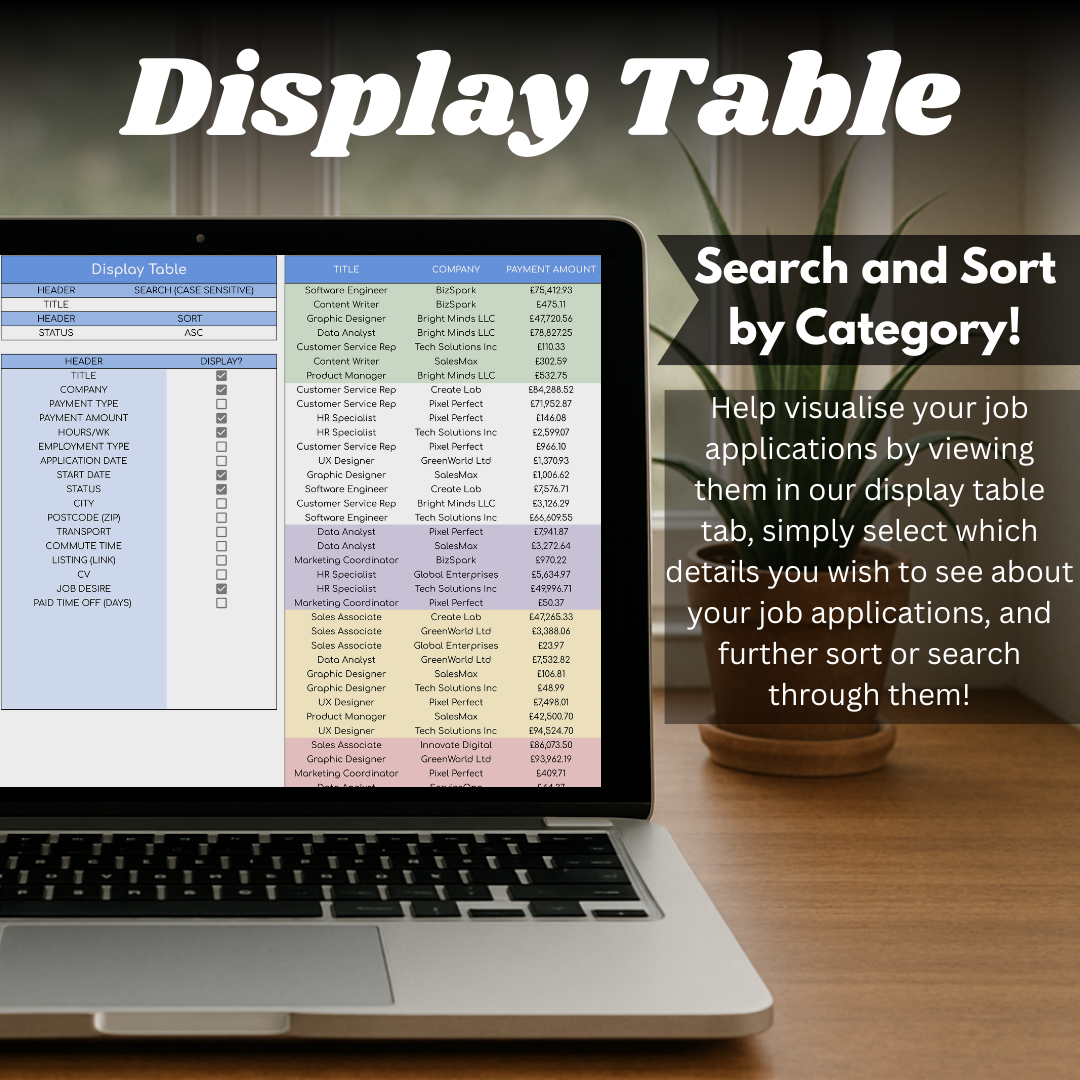
A structured application tracker with a full record sheet and a separate searchable view for finding the next opportunity to act on.
Who it is for
For job seekers who want every application, status, follow-up, and commute detail in one workable place.
Features
What the spreadsheet includes.
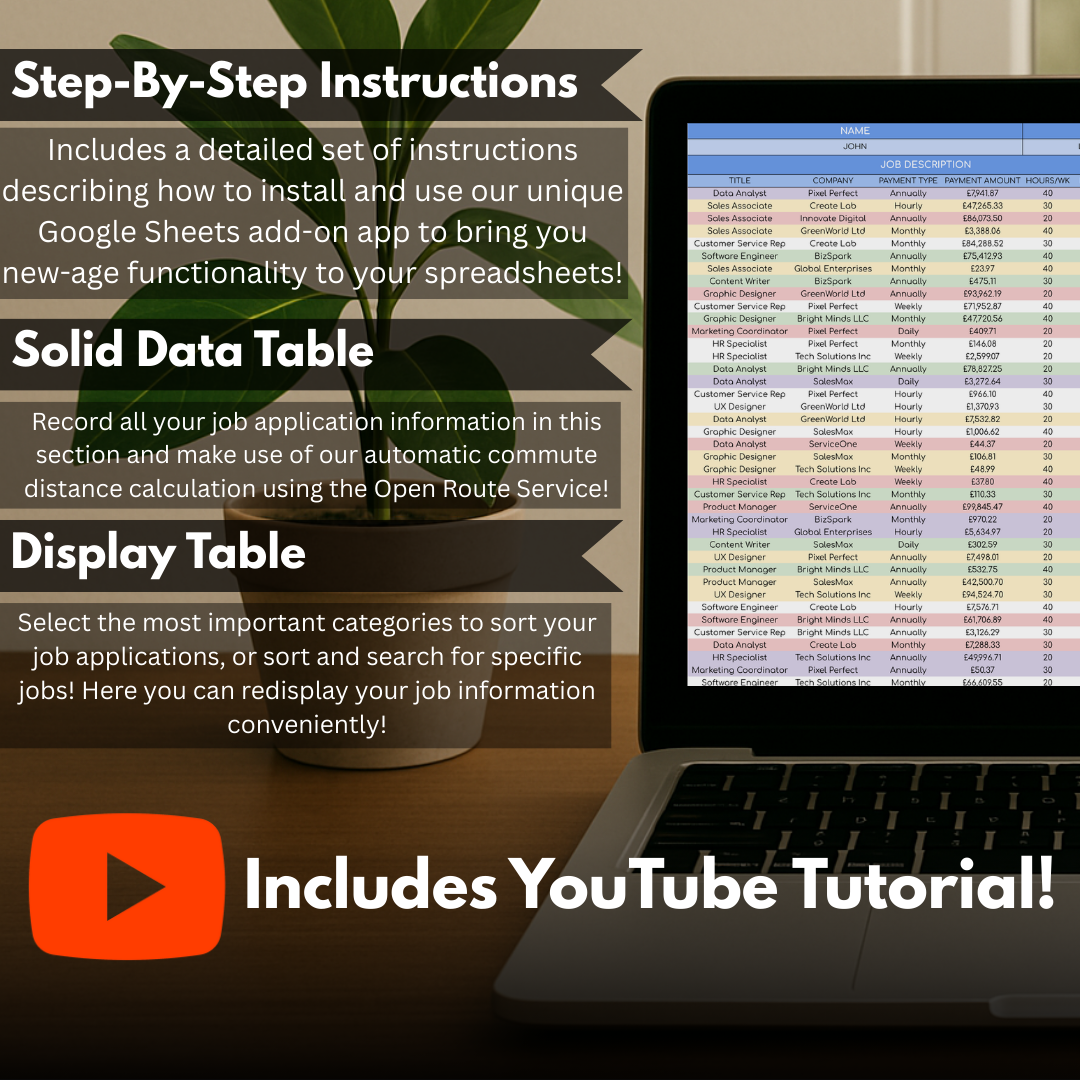
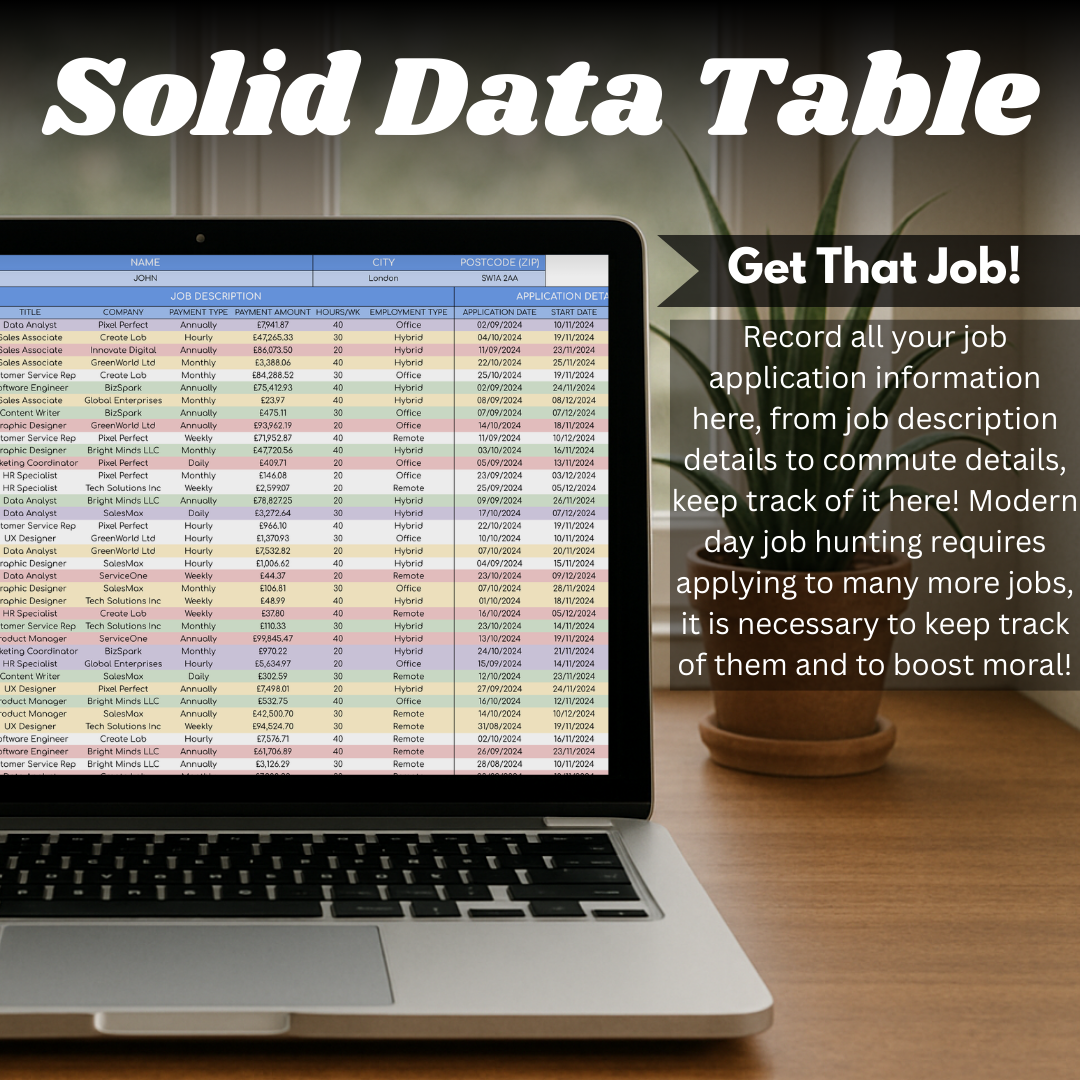
- Record job titles, companies, application dates, links, statuses, and notes in one list.
- Search, filter, and sort applications to focus on active roles and upcoming follow-ups.
- Track interview outcomes and the next action without losing the wider picture.
- Customise fields to suit the way you search for work.
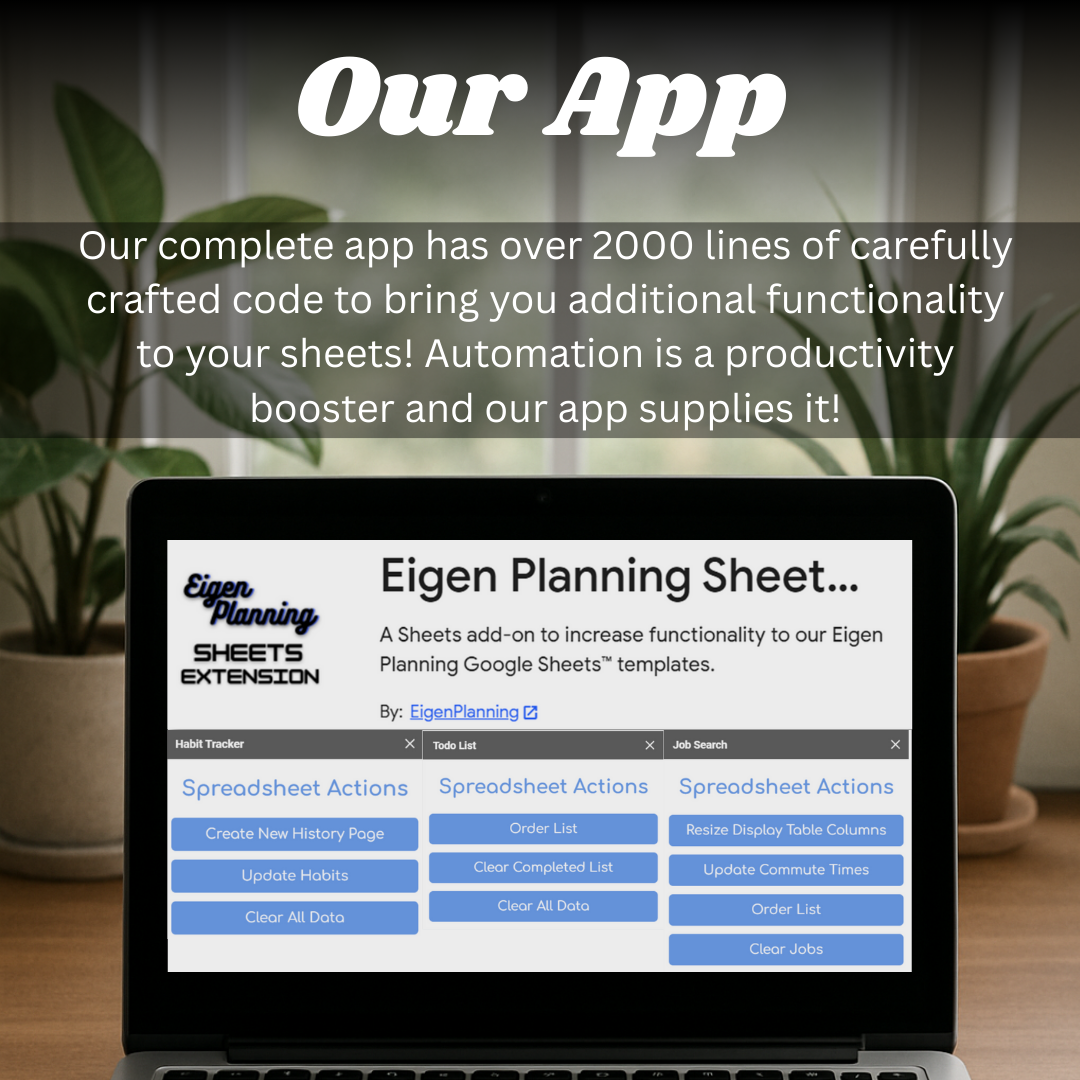
- Calculate commute distance from a configured location and travel mode.
Available in
Choose the version that suits you.
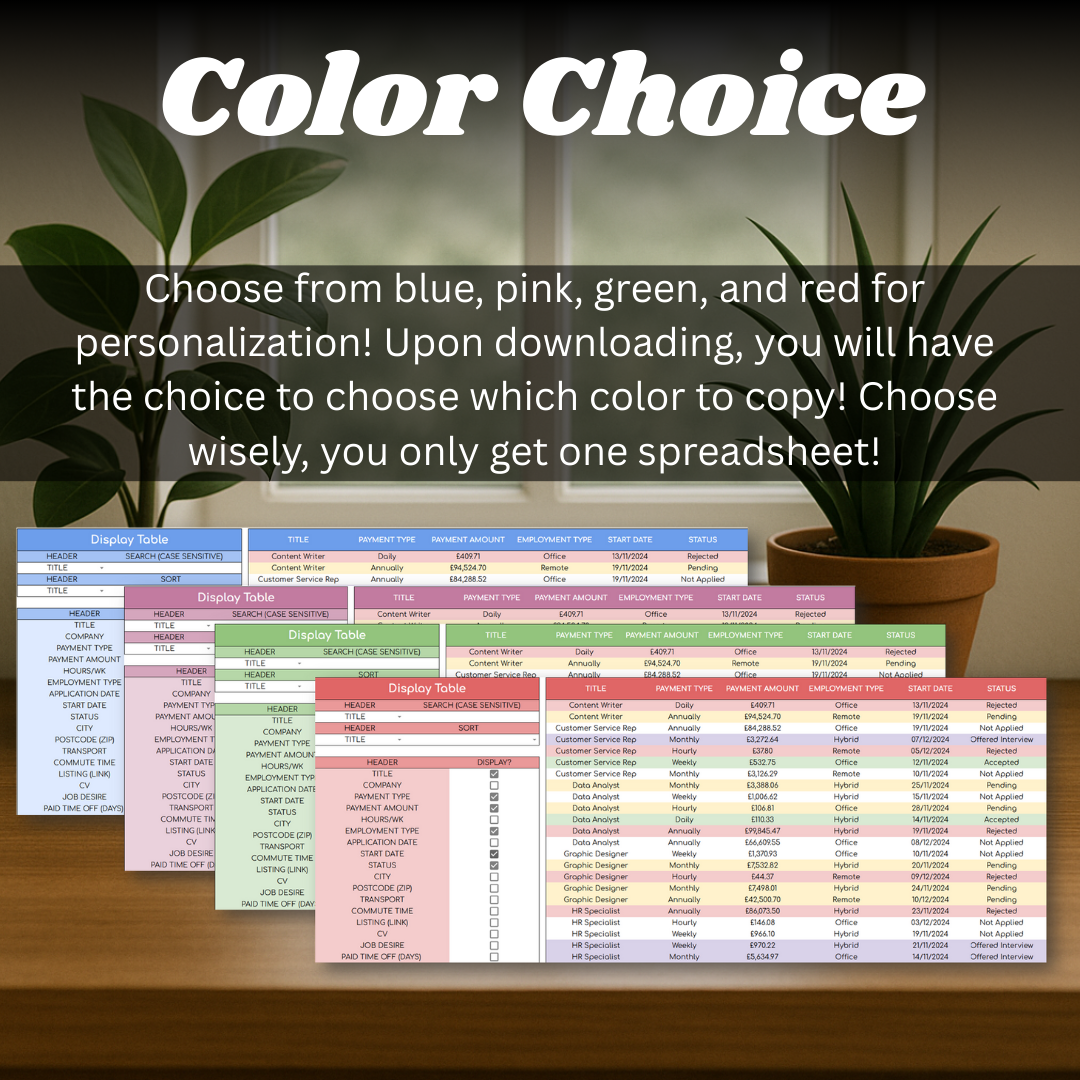
- Blue
- Pink
- Green
- Red
Getting started
Record each application in the main list, use the display sheet to narrow the view, and configure the distance feature when a commute comparison would help.
- Open the included PDF and choose your preferred colour.
- Open the linked sheet and make a personal copy in Google Sheets.
- Follow the first-tab instructions, then start adding applications.
Inside the spreadsheet
A closer look at the working pages.
The screenshots show the templates, calculations, and instructions that shape the day-to-day experience.
Job Search Tracker
Ready to make a copy?
Open the listing to choose your version and add the spreadsheet to your own Google Sheets collection.