
Budget Tracker
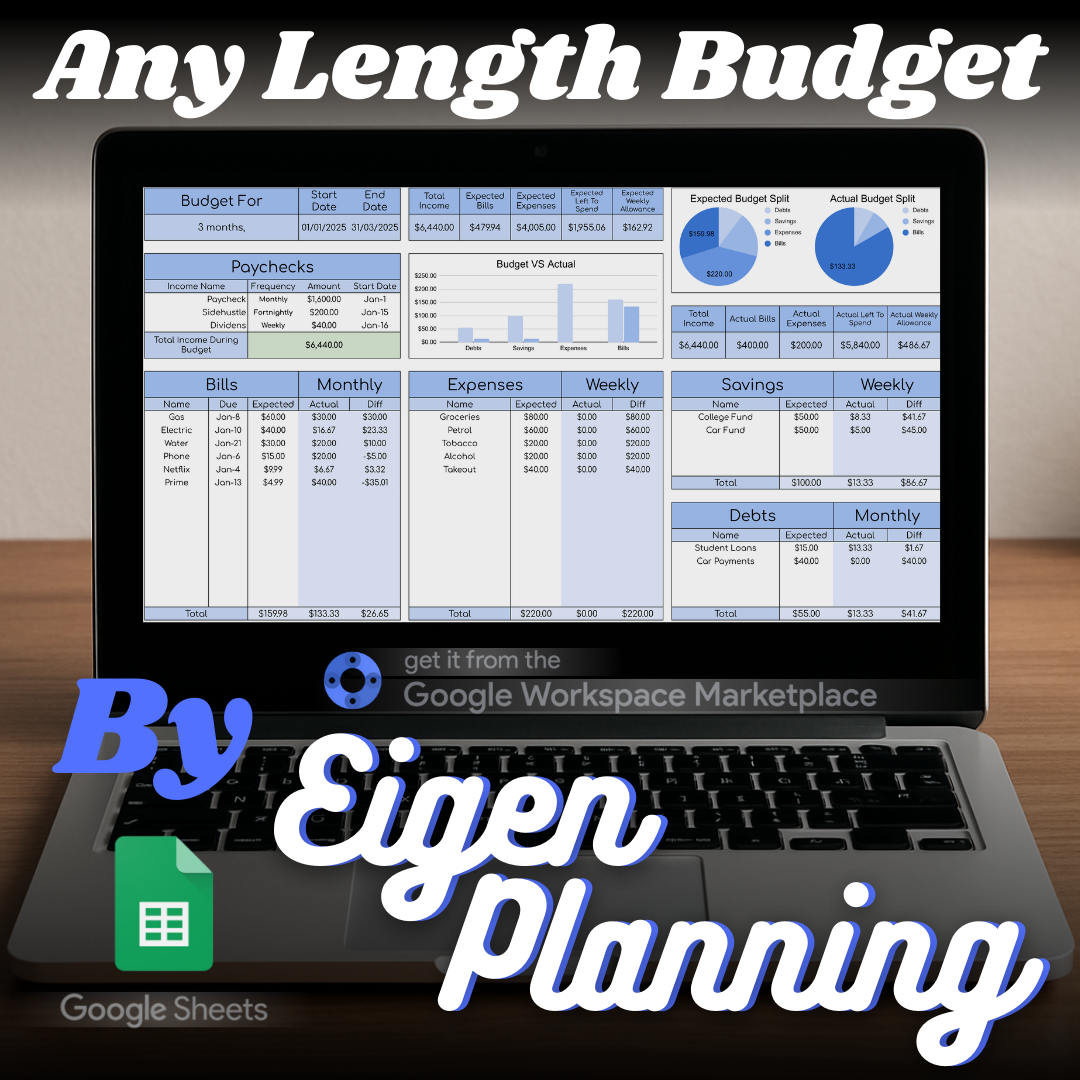
An any-length Google Sheets budget with bills, spending, savings, sinking funds, and debt calculations.
What it is
A flexible all-in-one budget that calculates the moving parts for you once you add your income and outgoings.
Who it is for
For people who want to understand what their income covers, plan ahead, and make steadier progress with savings or debt.
Features
What the spreadsheet includes.
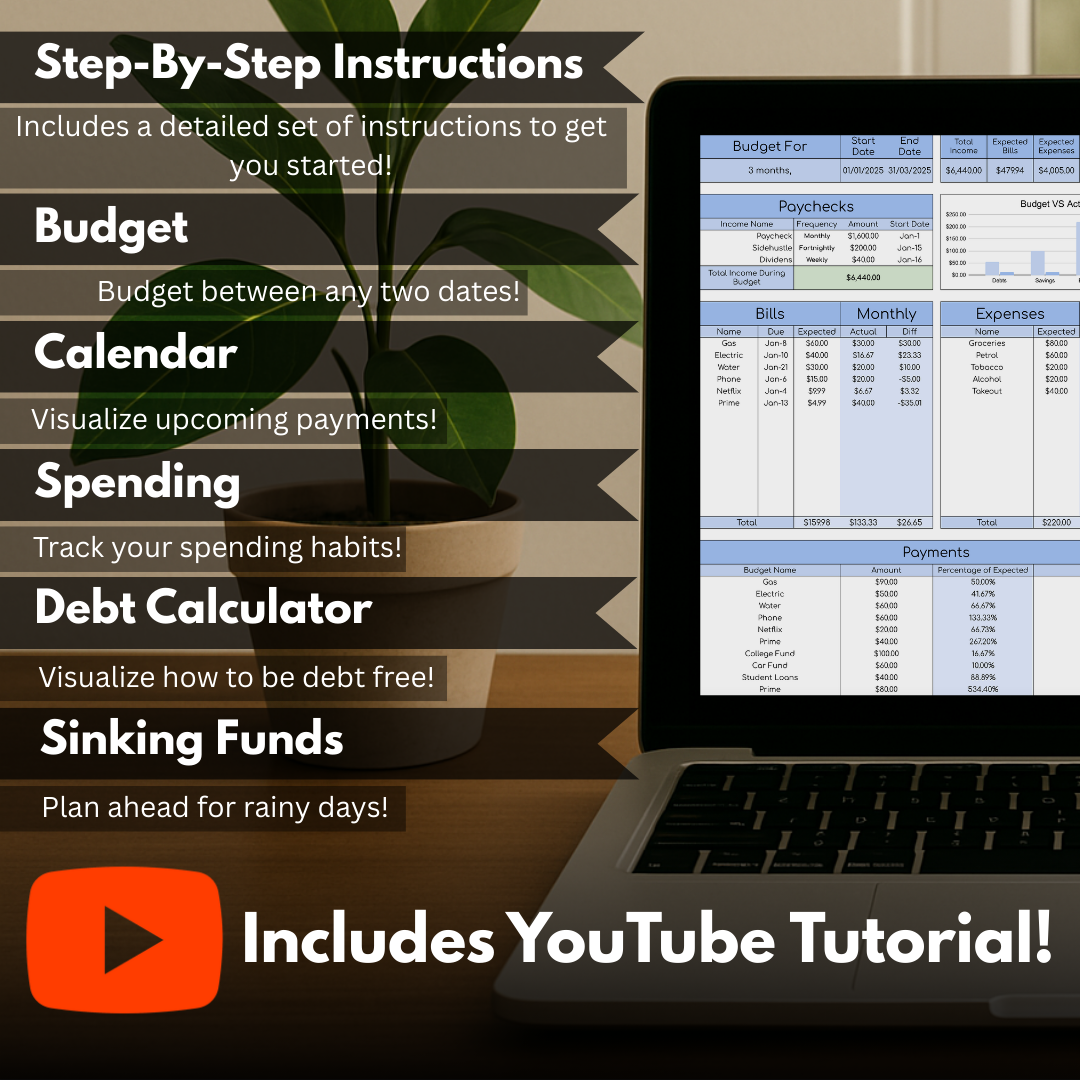
- Set a budget for any length of time, rather than working to a fixed monthly format.
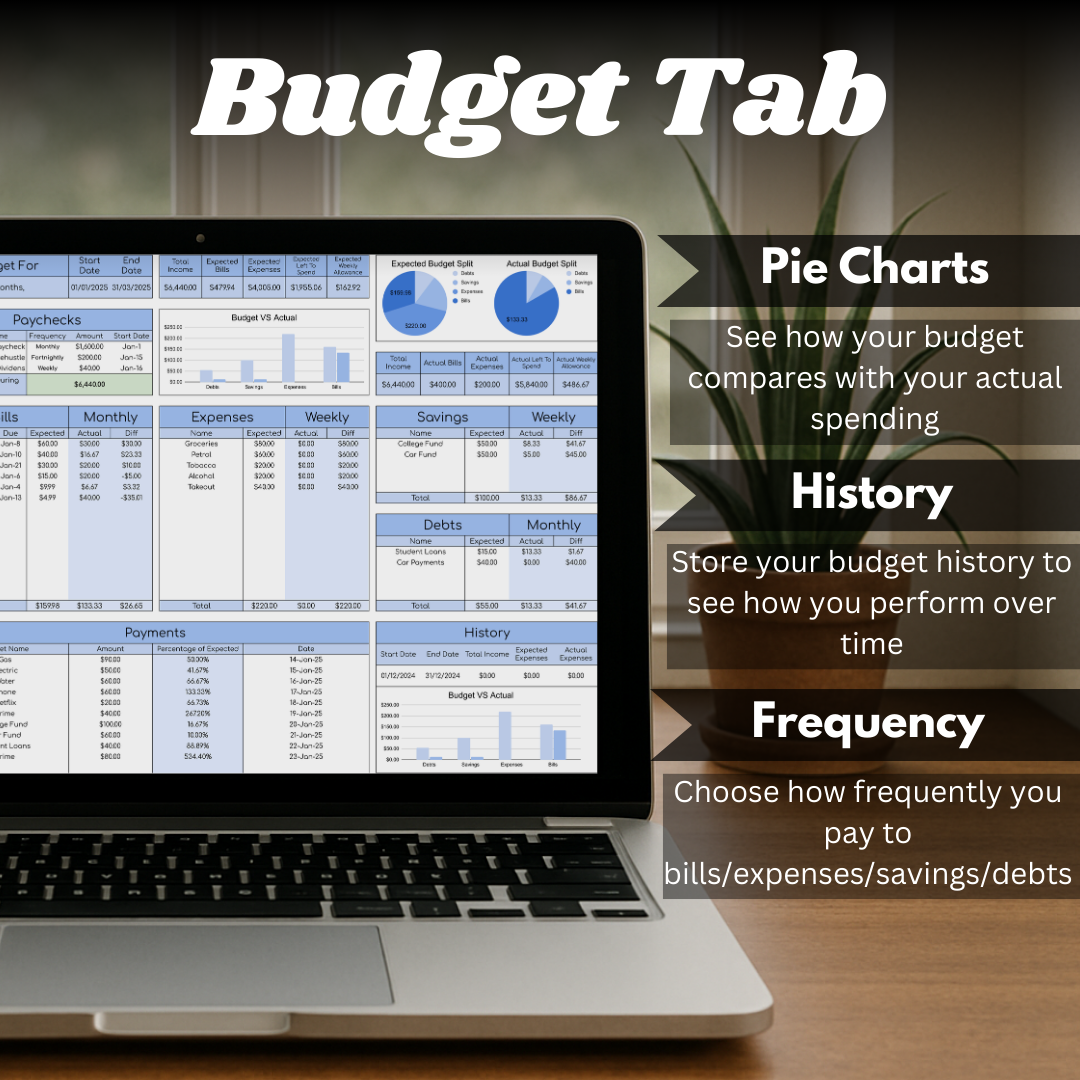
- Compare income against bills, expenses, savings, and debt with built-in calculations and visual summaries.
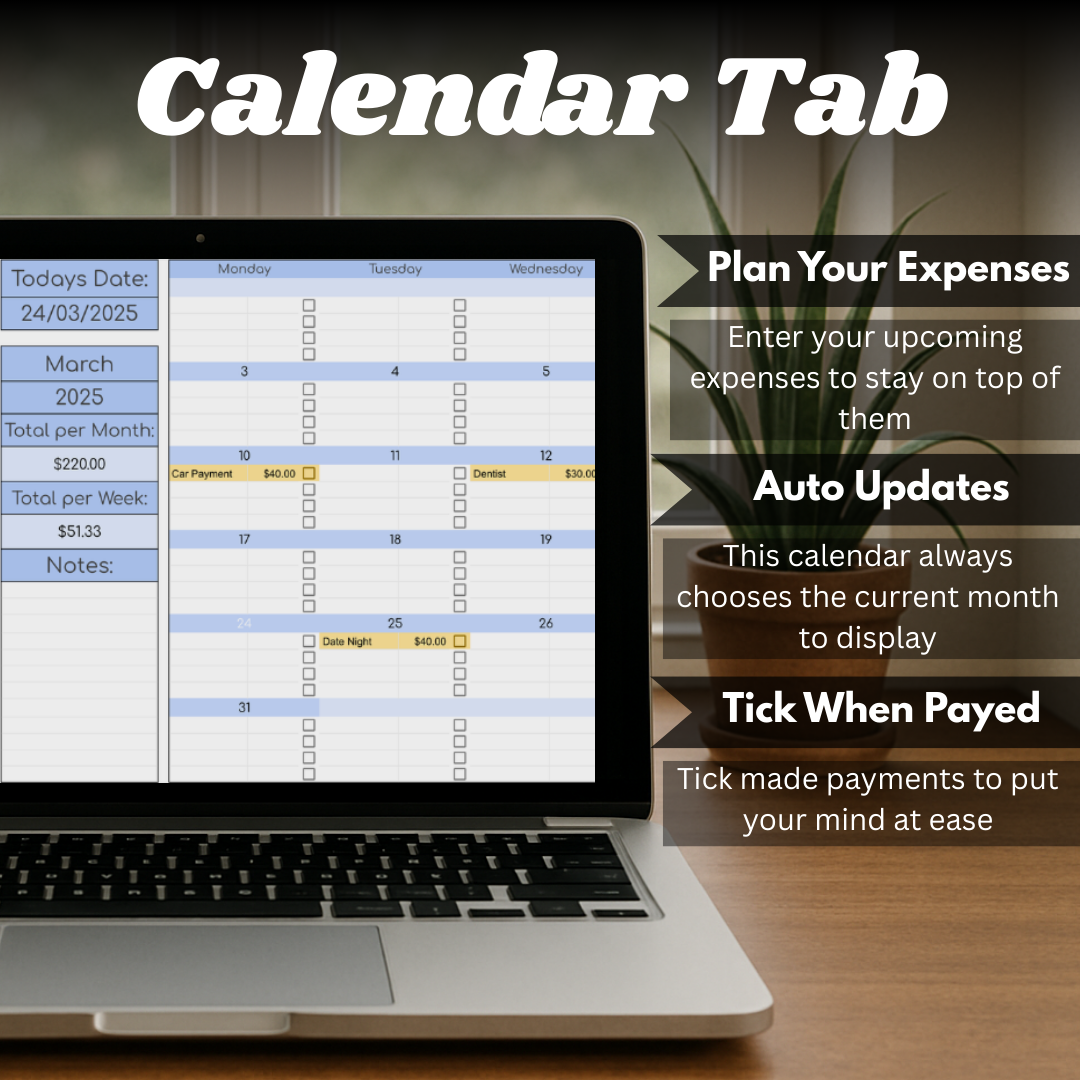
- Use a calendar to keep upcoming payments in view.
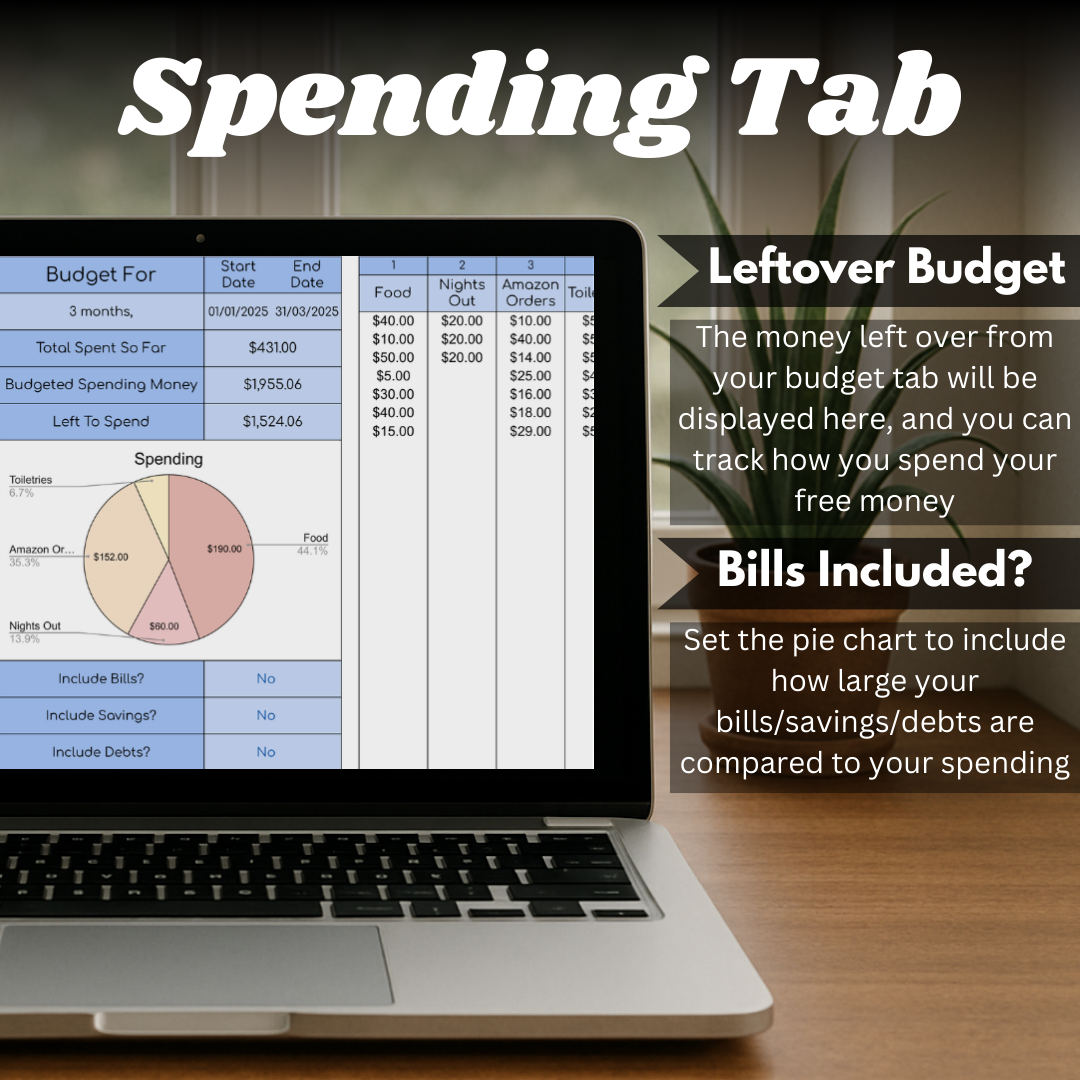
- Record spending by category and review it with charts.
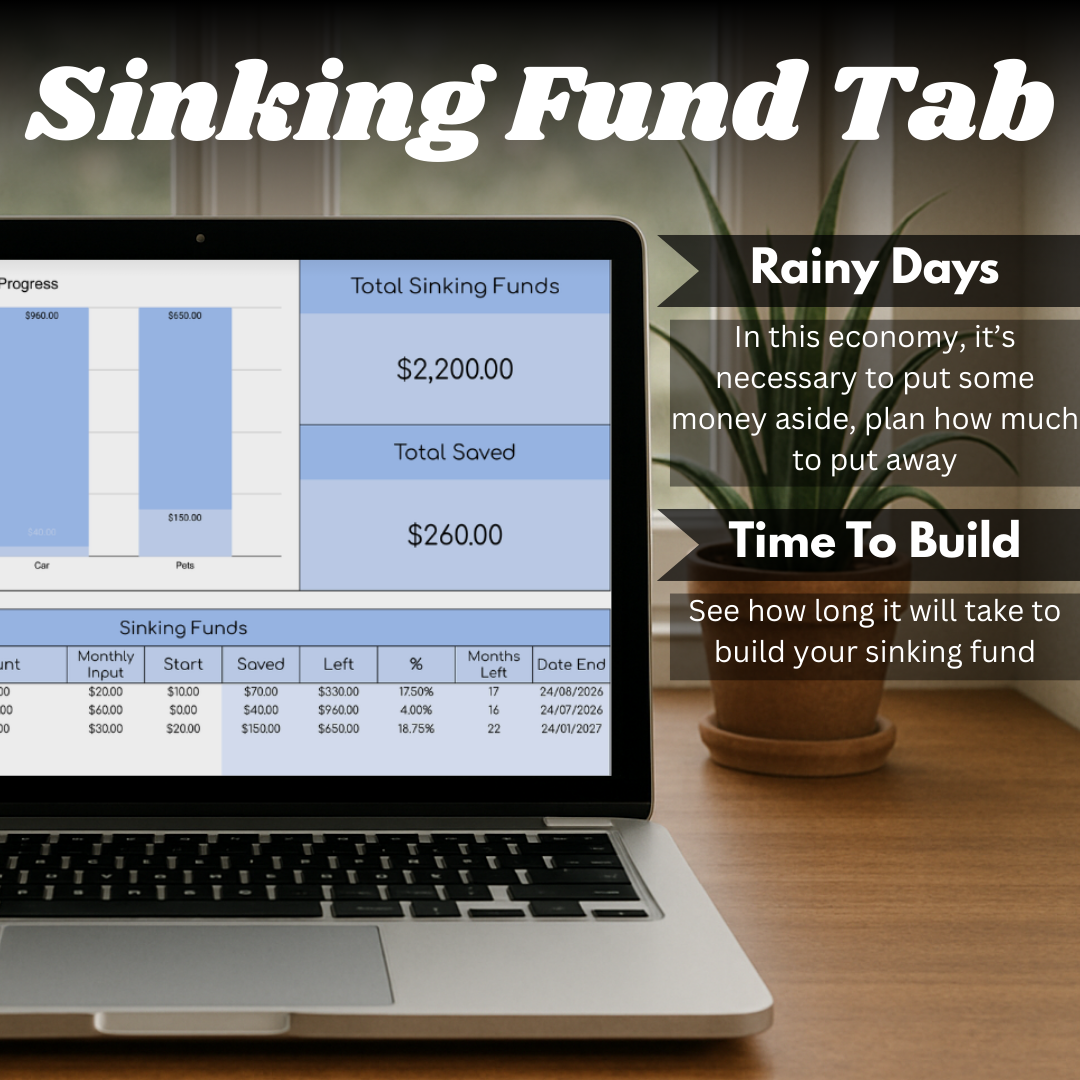
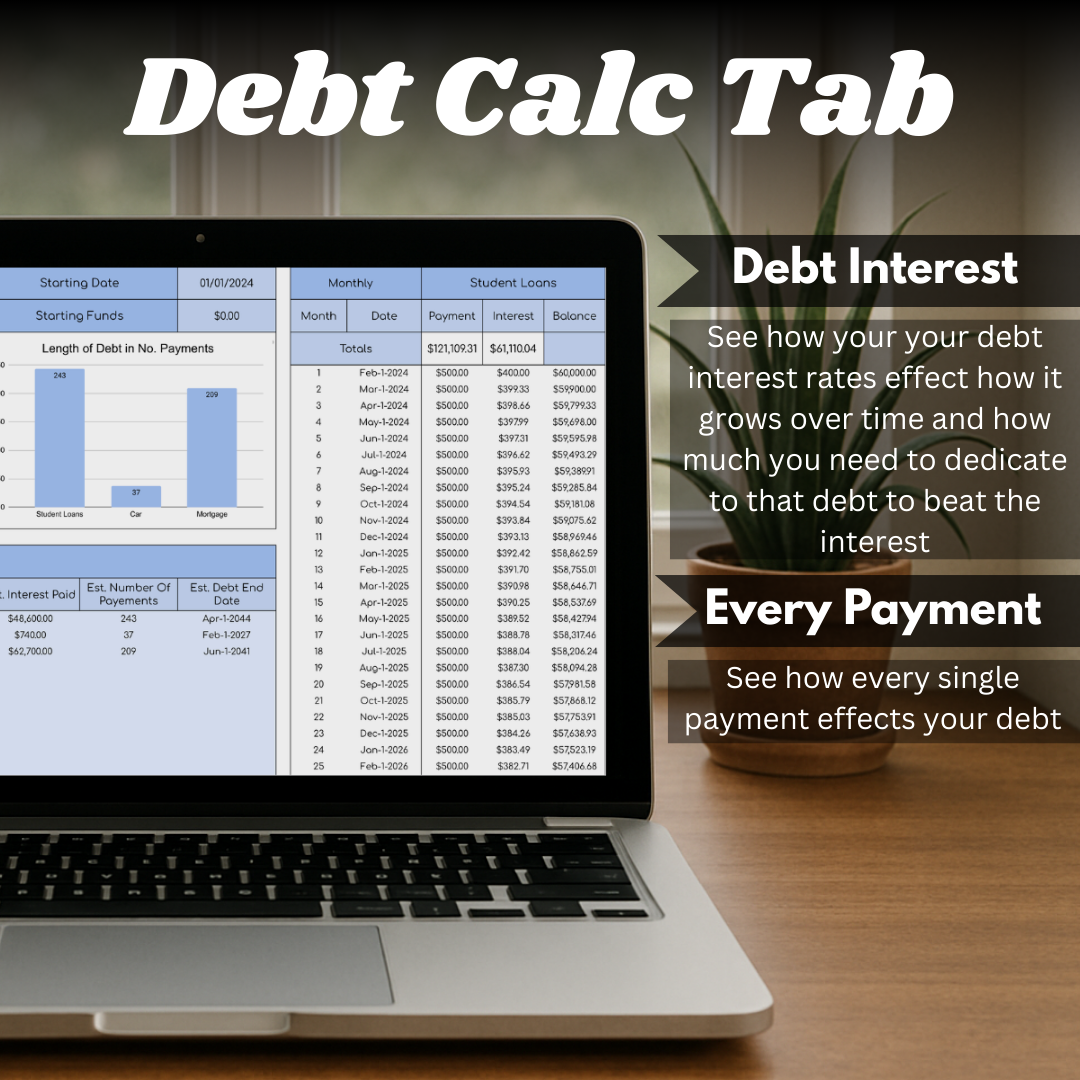
- Plan sinking funds and calculate debt payoff using amounts, interest, payments, and frequency.
Available in
Choose the version that suits you.
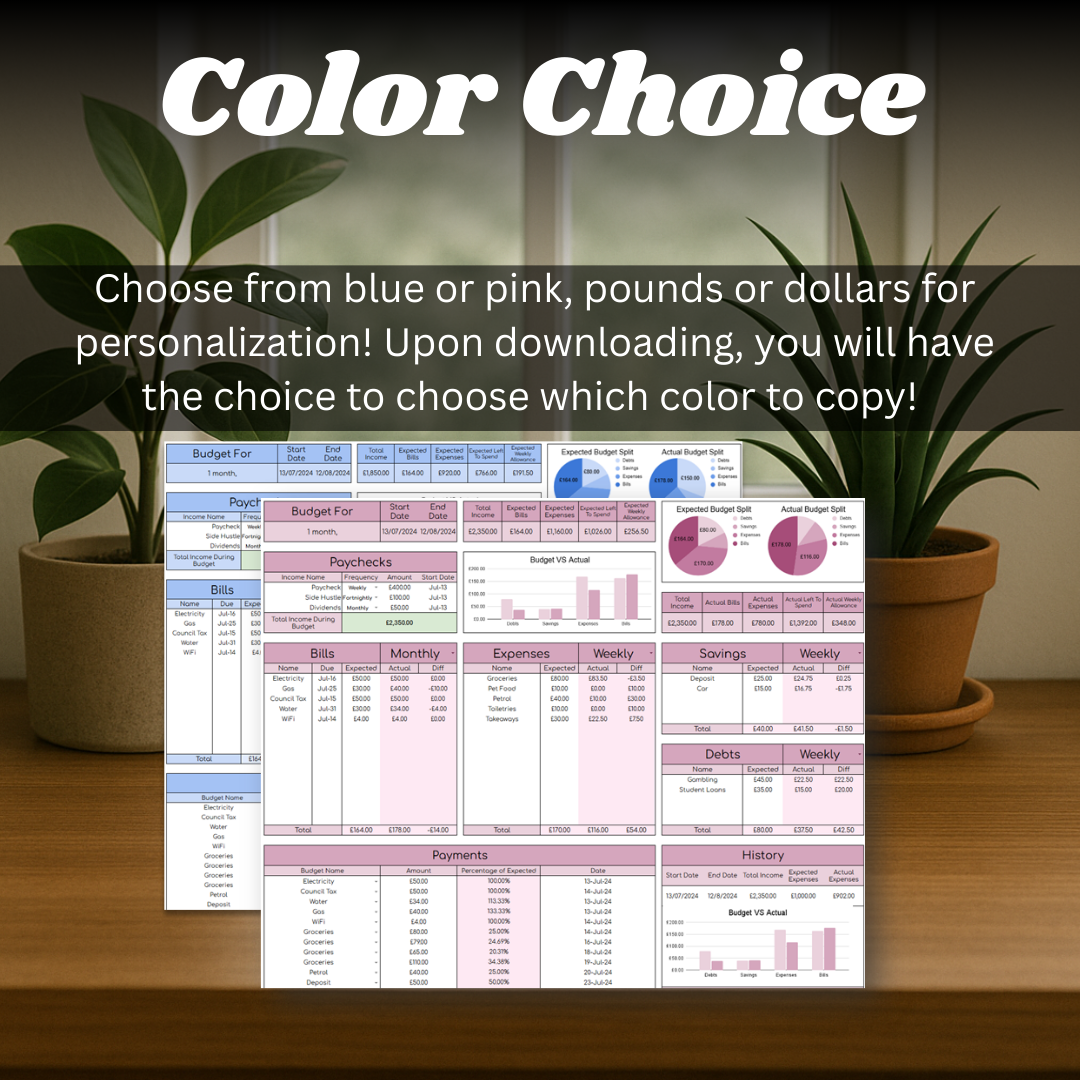
- Blue · GBP
- Blue · USD
- Pink · GBP
- Pink · USD
Getting started
Choose the budget period, add income and outgoings, then use the connected pages to review payments, spending, savings goals, and debt payoff estimates.
- Open the included PDF and select the colour and currency version you want.
- Open the linked sheet and choose “Make a copy” to save it to your Google account.
- Follow the first-tab instructions, then add your income and outgoings.
Inside the spreadsheet
A closer look at the working pages.
The screenshots show the templates, calculations, and instructions that shape the day-to-day experience.
Budget Tracker
Ready to make a copy?
Open the listing to choose your version and add the spreadsheet to your own Google Sheets collection.