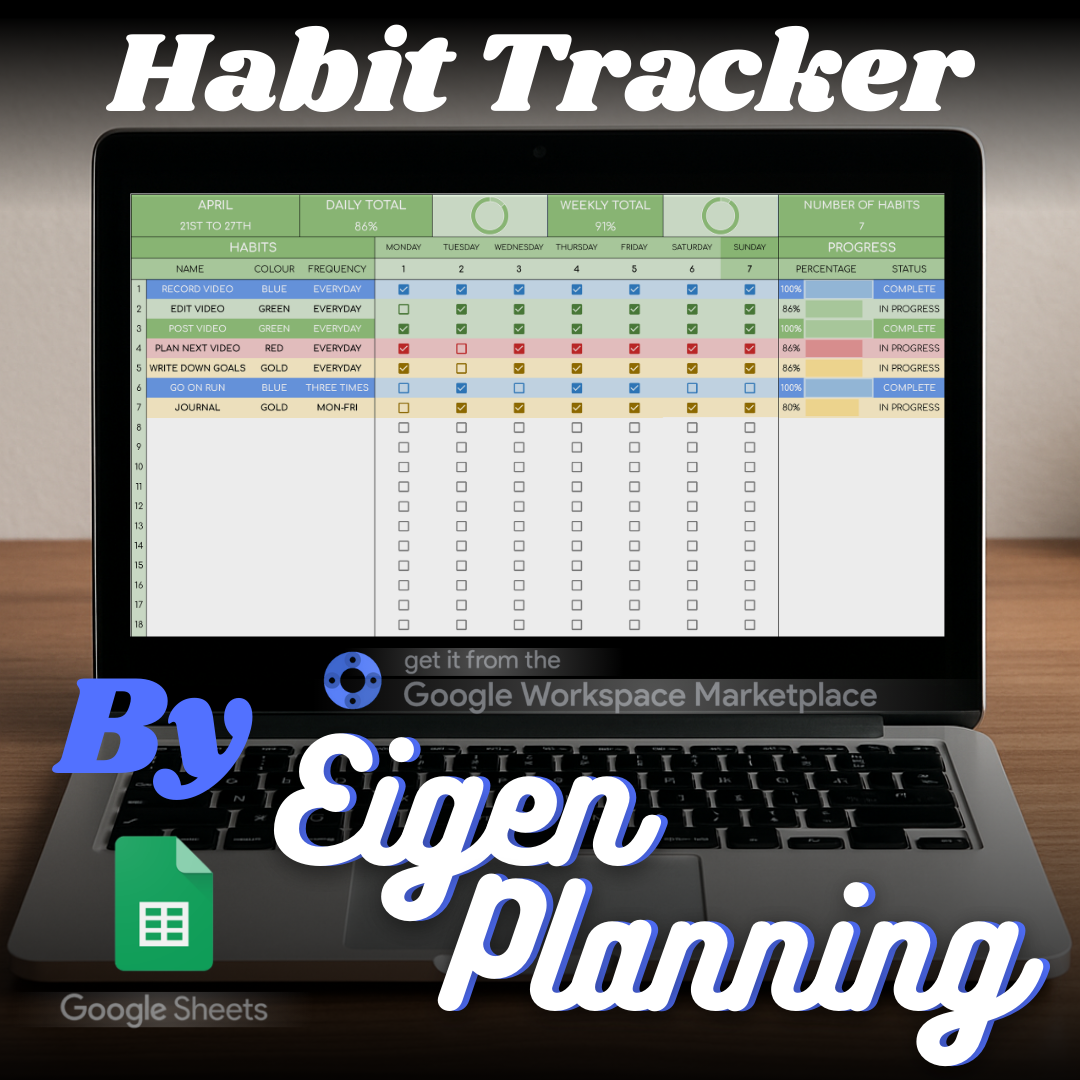
Habit Tracker
An automated Google Sheets habit tracker with weekly progress, history, goals, and rewards.

An Android app that keeps your current daily screen usage visible as an on-screen overlay.
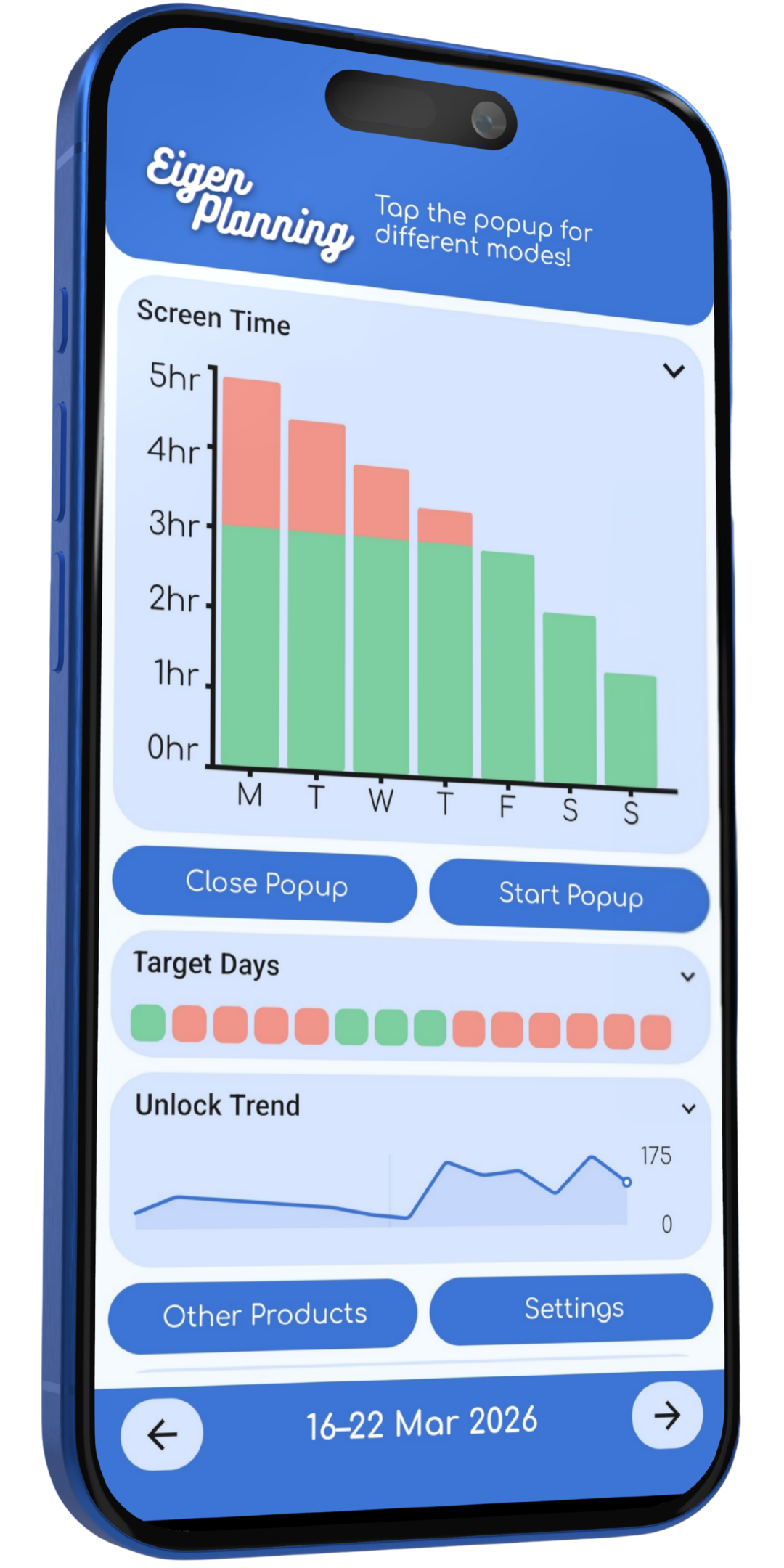
The app keeps the current screen-time total visible while offering settings and graphs for looking at usage over time.
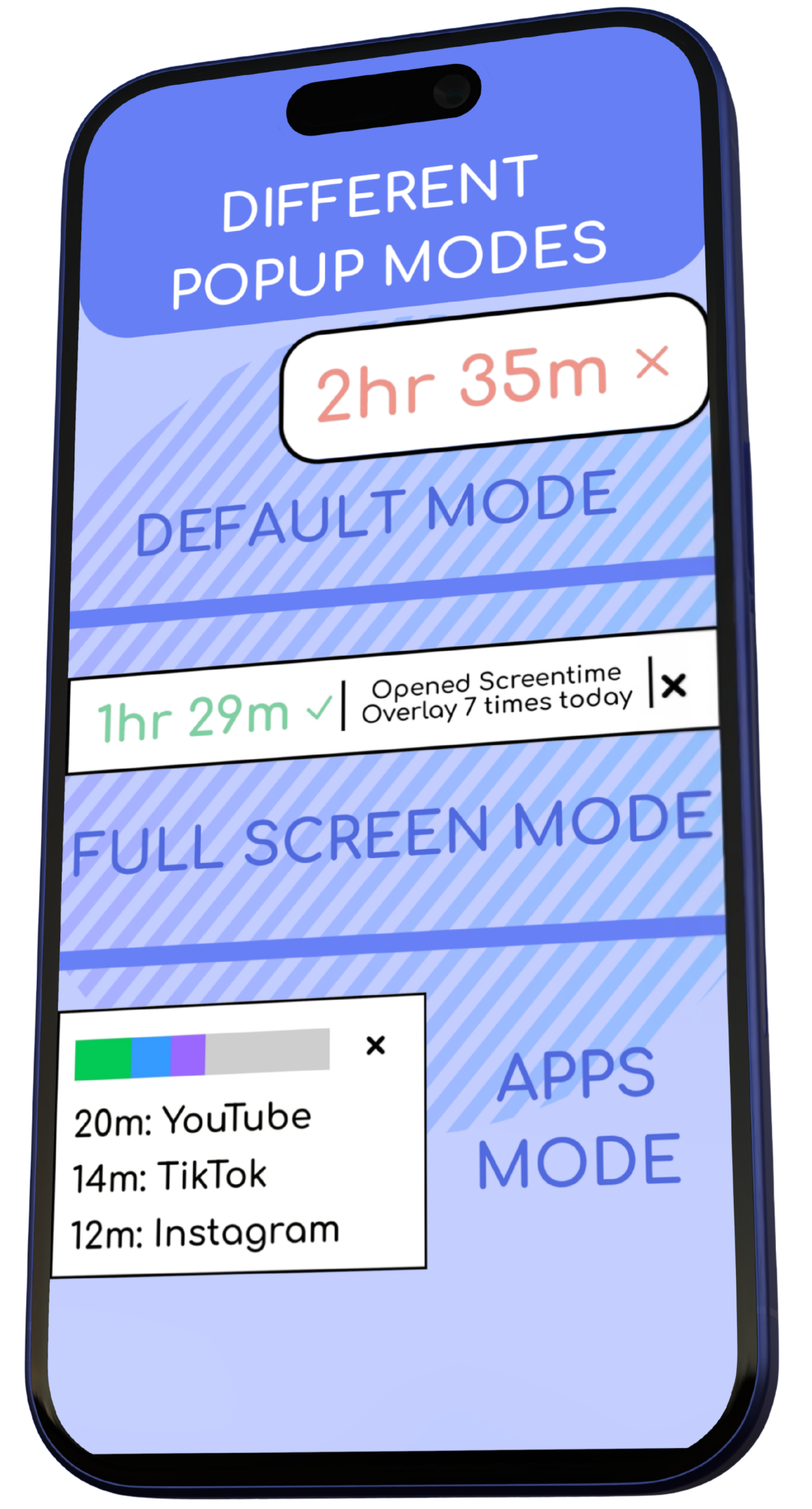
The popup stays persistent on screen to show your current daily usage in hours and minutes. Its normal, expanded, and full-length modes let you choose how much information you want to see.
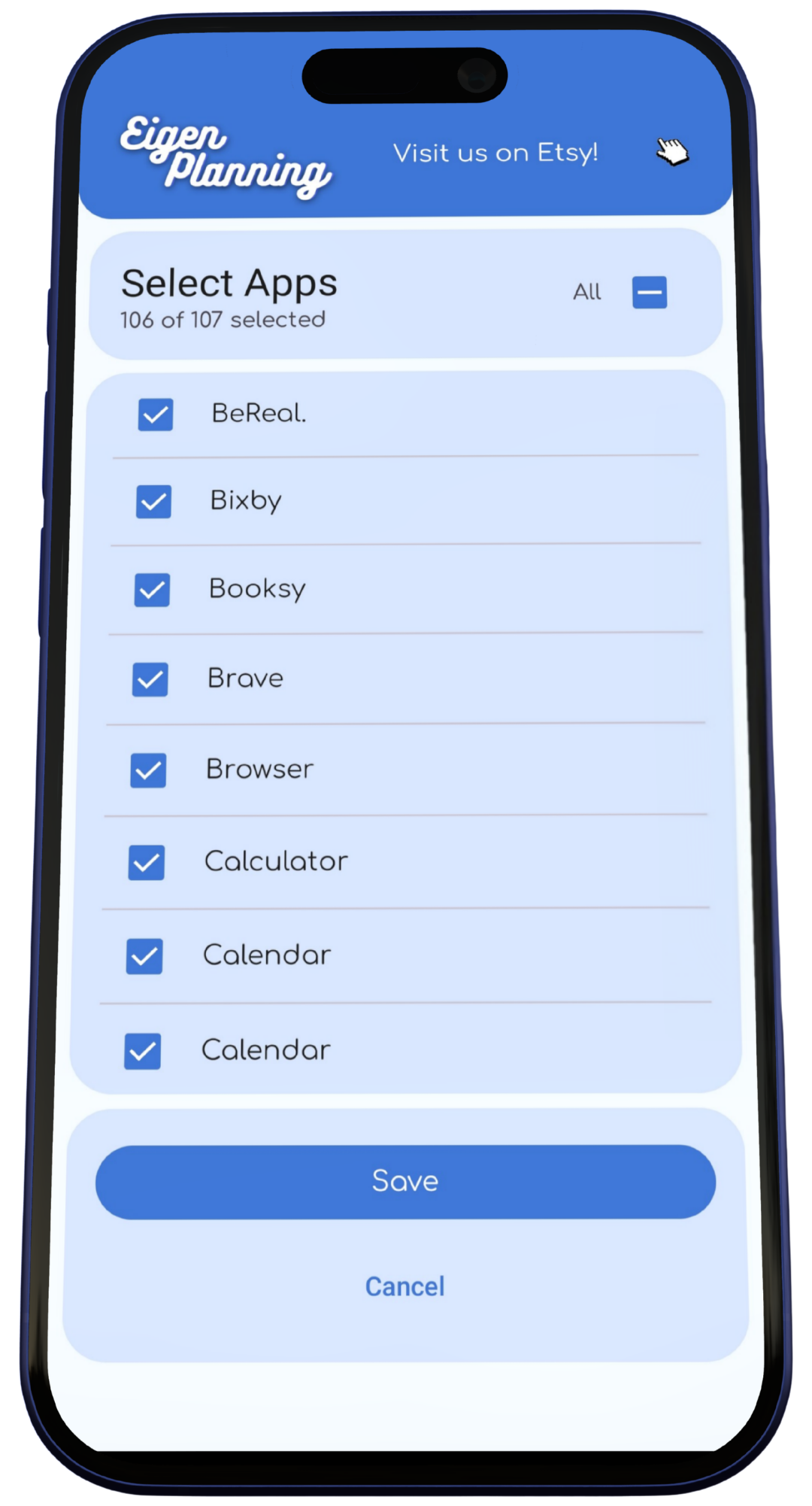
Choose which apps count towards your total, set a daily target, and adjust the popup size, theme, font, and corners. Apps that are deselected do not count towards the displayed time.
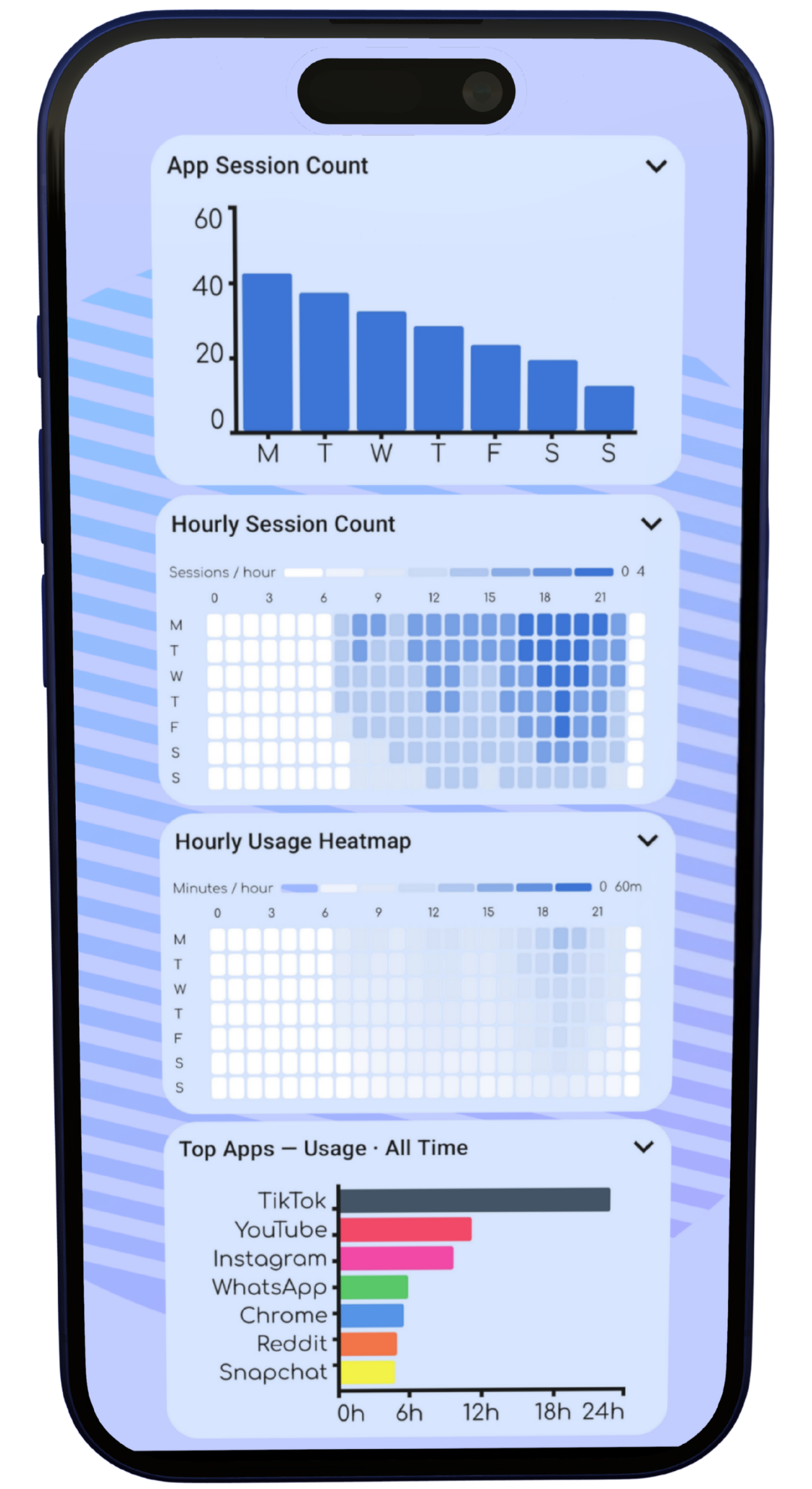
The app includes weekly screen-time bars, target days, unlock trends, session graphs, an hourly usage heatmap, and top-app charts. The top-app range can be set to all time, the past week, month, or year.
Four spreadsheets for tracking habits, to-dos, job applications, and budgets. Each product page explains its own format and features.
An automated Google Sheets habit tracker with weekly progress, history, goals, and rewards.
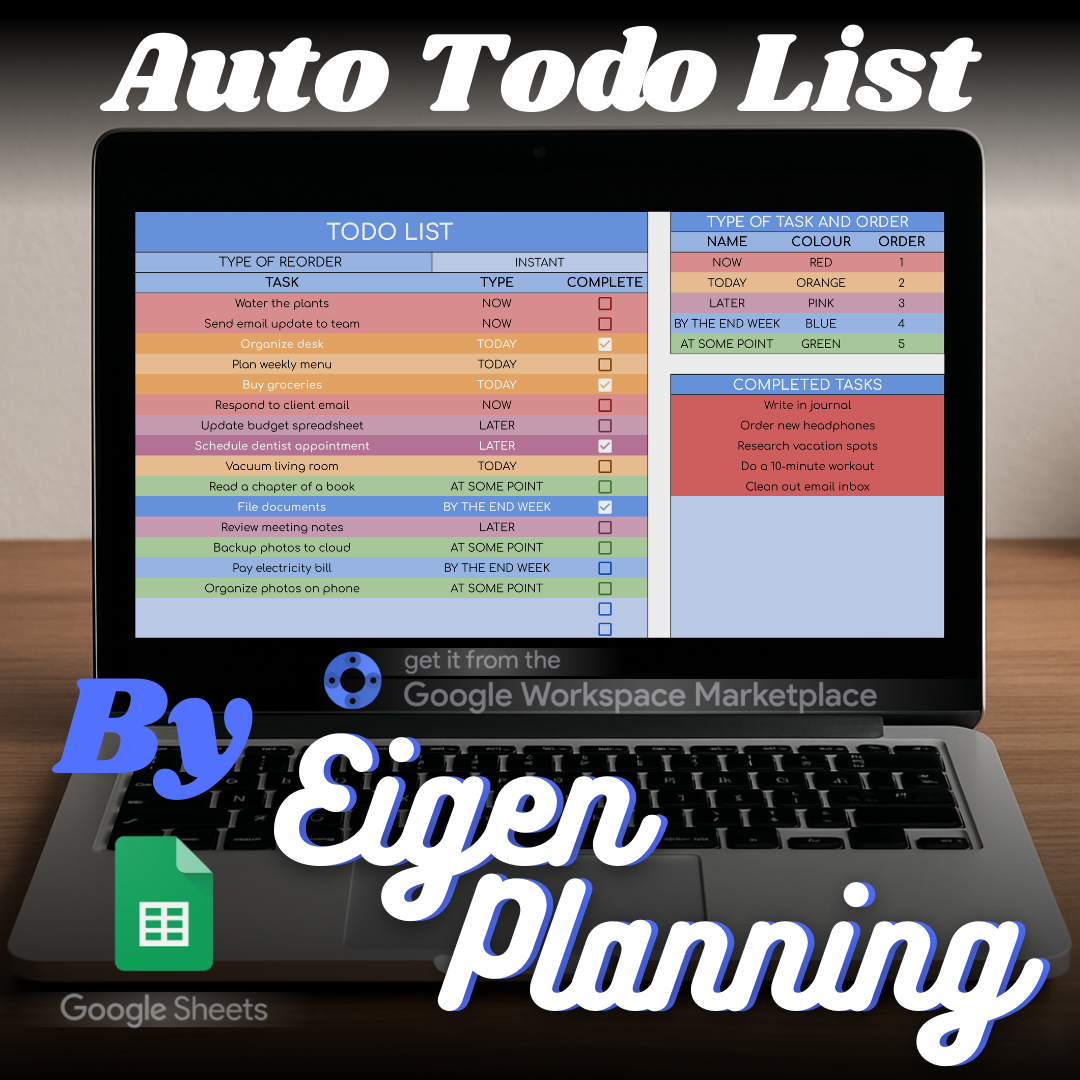
An automated Google Sheets to-do list that keeps tasks ordered, grouped, and easy to review.
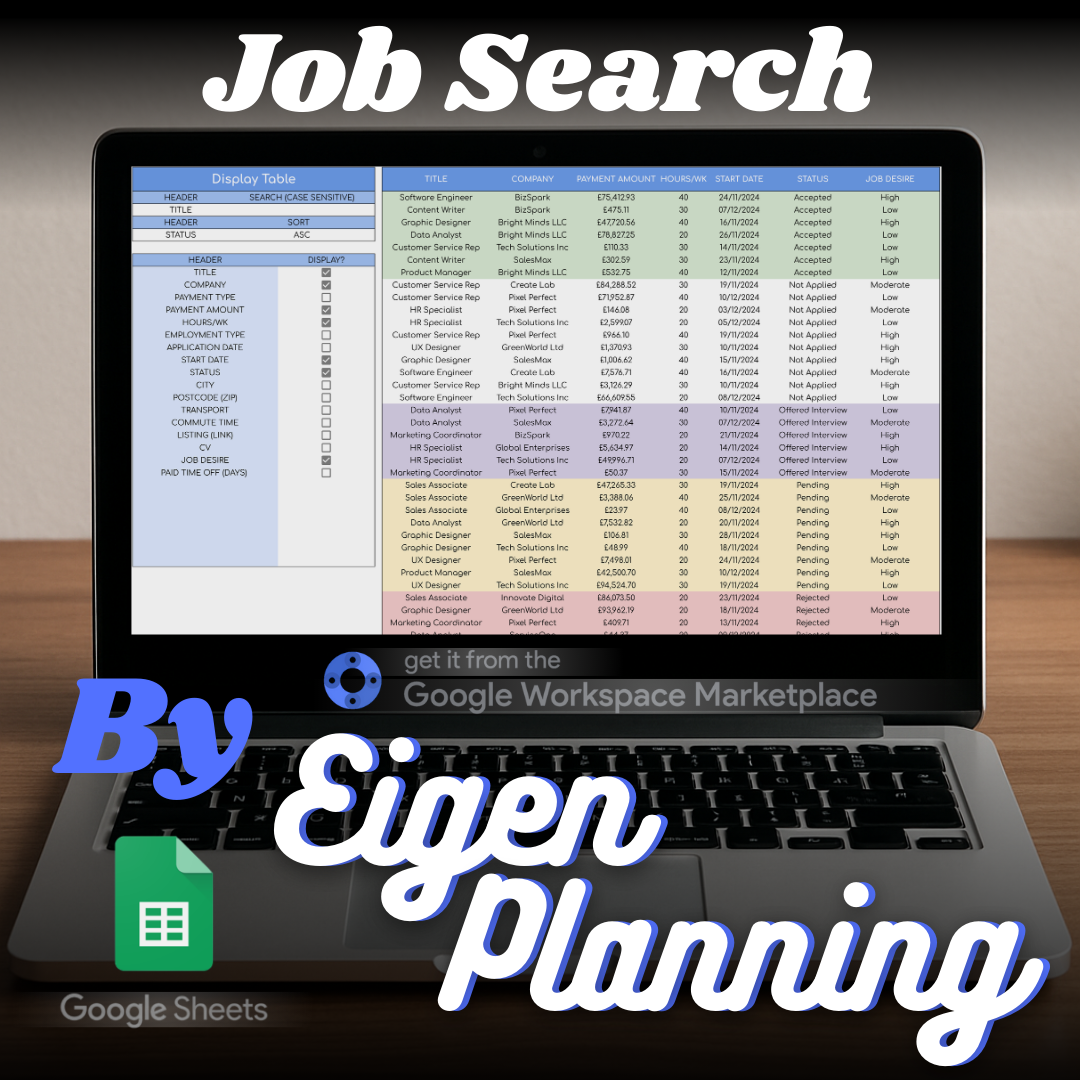
A Google Sheets job-search tracker for recording applications, following up, filtering, and planning journeys.
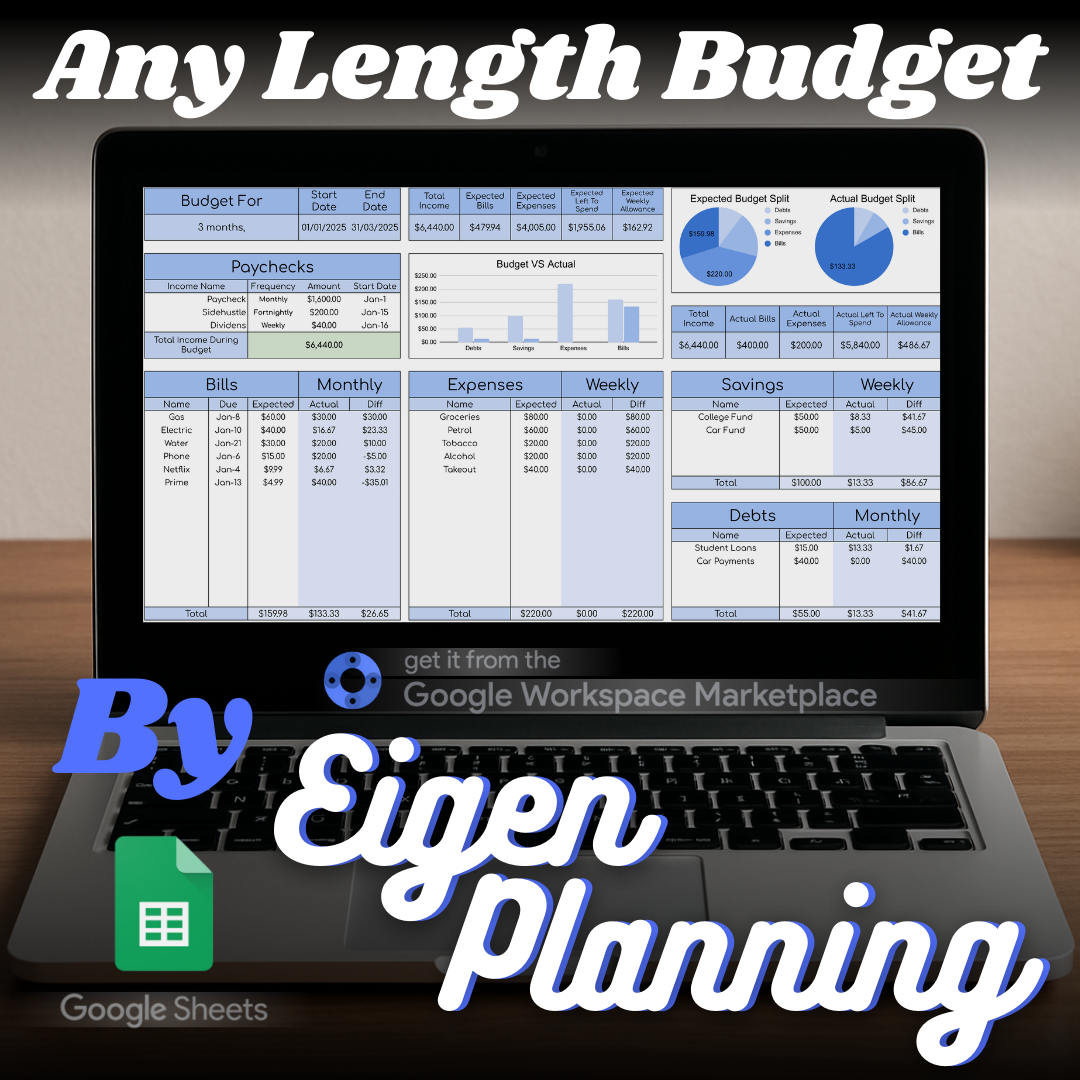
An any-length Google Sheets budget with bills, spending, savings, sinking funds, and debt calculations.
Questions about using the app can be sent to the Eigen Planning support address.